

Configure Outbound Skills for Agents
Agent configuration requirements depend on the number of outbound skills assigned to the agent:
-
Single outbound skill: No additional configuration is required. Agents can make outbound calls immediately.
-
Multiple outbound skills: Additional permissions are required to allow agents to select and save a default outbound skill.
Configure Profile Permissions
The steps vary based on the Salesforce profile layout used in your organization.
If your profile uses the classic permissions layout
-
In Salesforce, go to Setup > Profiles.
-
Select the agent profile.
-
Under Custom Object Permissions, locate UserSkillSettings.
-
Enable the following permissions:
-
Read
-
Create
-
Edit
-
View All Records
-
-
Click Save.
-
Under Field-Level Security, locate UserSkillSettings and click View.
-
Verify that Read and Edit access are enabled for the following fields:
-
DefaultOutboundPhoneSkillId
-
User
-
-
If access is not enabled, click Edit, select the required permissions, and then click Save.
 View image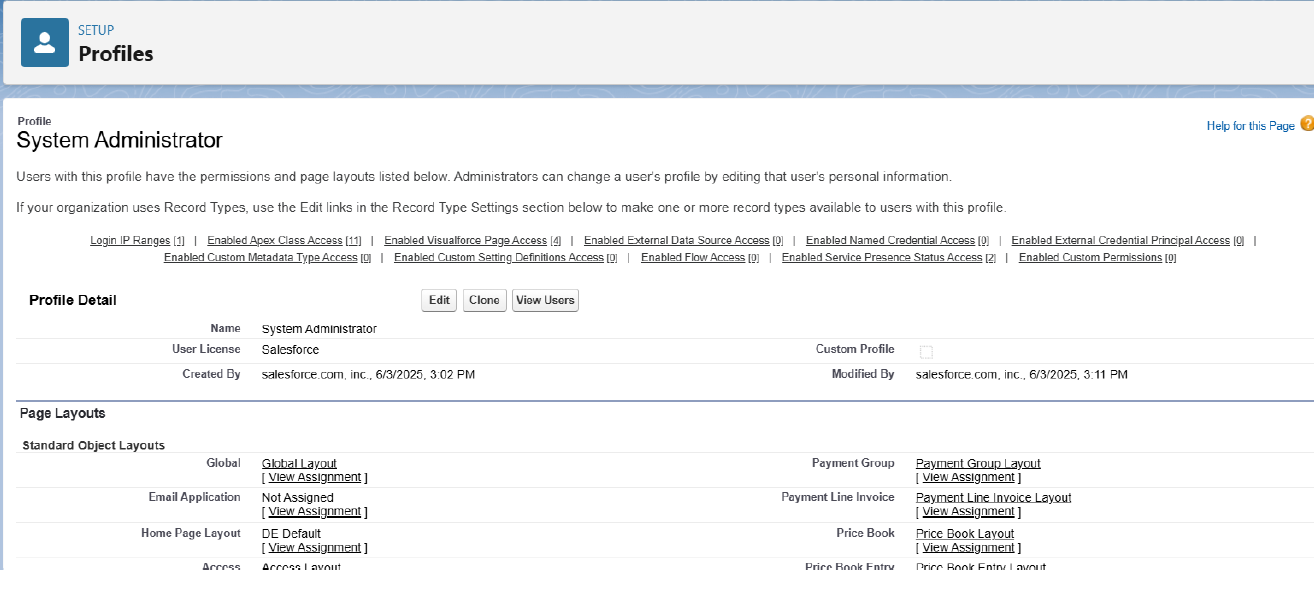
If your profile uses the Object Settings layout
-
In Salesforce, go to Setup > Profiles.
-
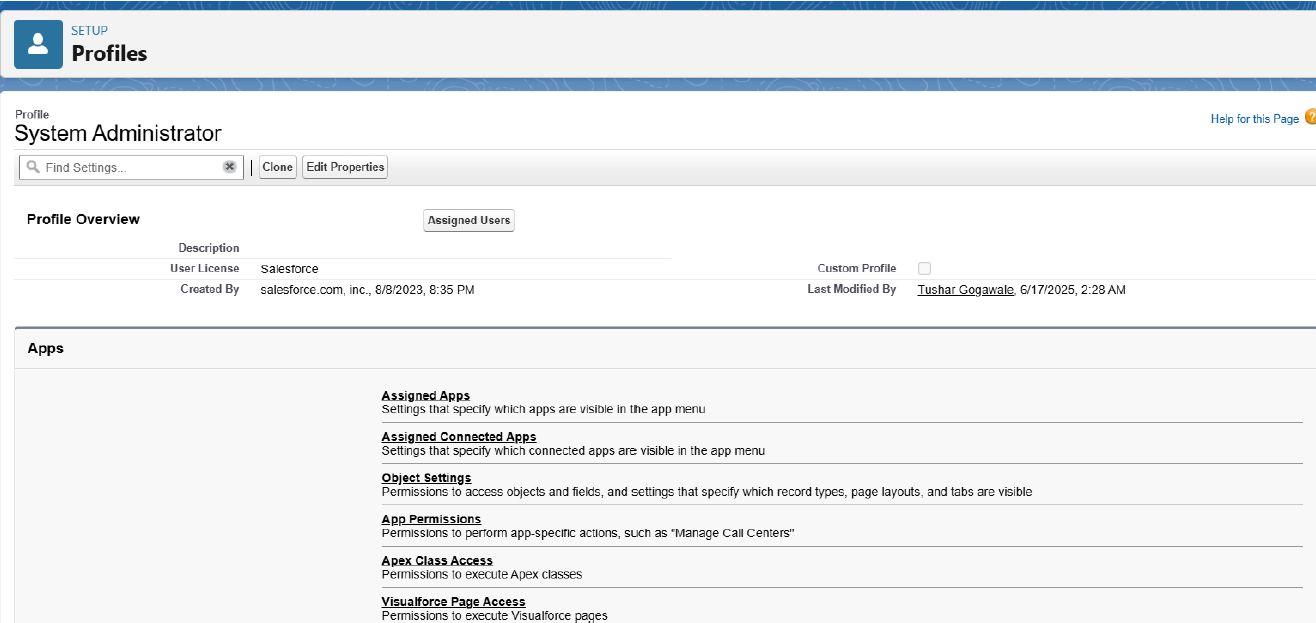
Select the agent profile.
-
Select Object Settings.
-
Locate UserSkillSettings and click Edit.
-
Enable the following object permissions:
-
Read
-
Create
-
Edit
-
View All
-
-
In the field permissions section, verify that Read and Edit access are enabled for:
-
DefaultOutboundPhoneSkillId
-
User
-
-
Save your changes.
Agents with only one assigned outbound skill do not require these additional permissions. These permissions are required only when agents have multiple outbound skills and must select a default outbound skill.