

When you double-click the Assign action in your script, the Assign Properties Editor will appear.
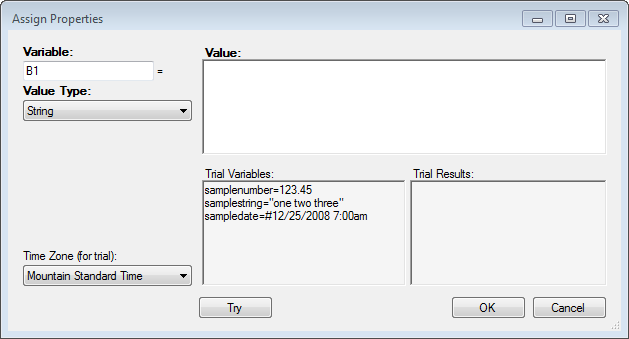
In the Variable field, type the name of your user-defined variable, and then add the value of the variable in the Value field.
Do not use any names given to pre-defined variables to custom variables.
Using the Phone script example in this topic, you have three Assign actions with the user-defined variable named Newskill. Each of these variables in assigned a value; such as 123456, 234567, and 345678.