

Case variables are added by using the connector or link to the appropriate action.
-
On the canvas, drag a connector from the Case action to a different action.
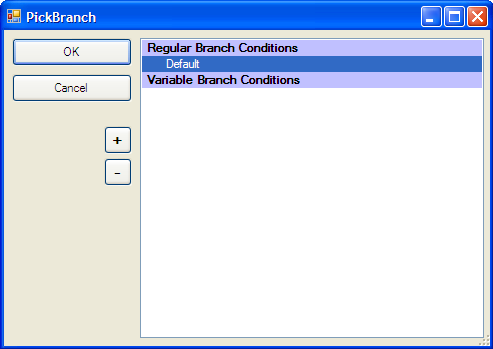
The Pick Branch window will open, as follows:
-
Click the Plus sign (+) to create a new branch.
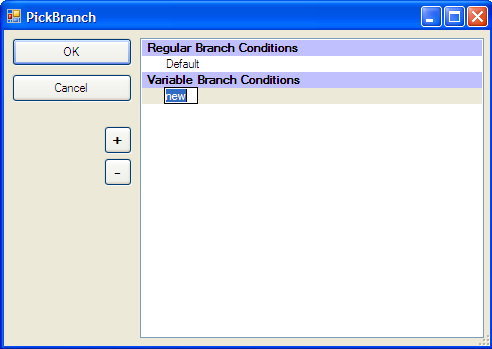
- Enter the value of the variable that will trigger this branch to be taken, for example '1.'
- Click OK.
- Repeat as needed for each branch.