NiCE CXone Integration Hub How To
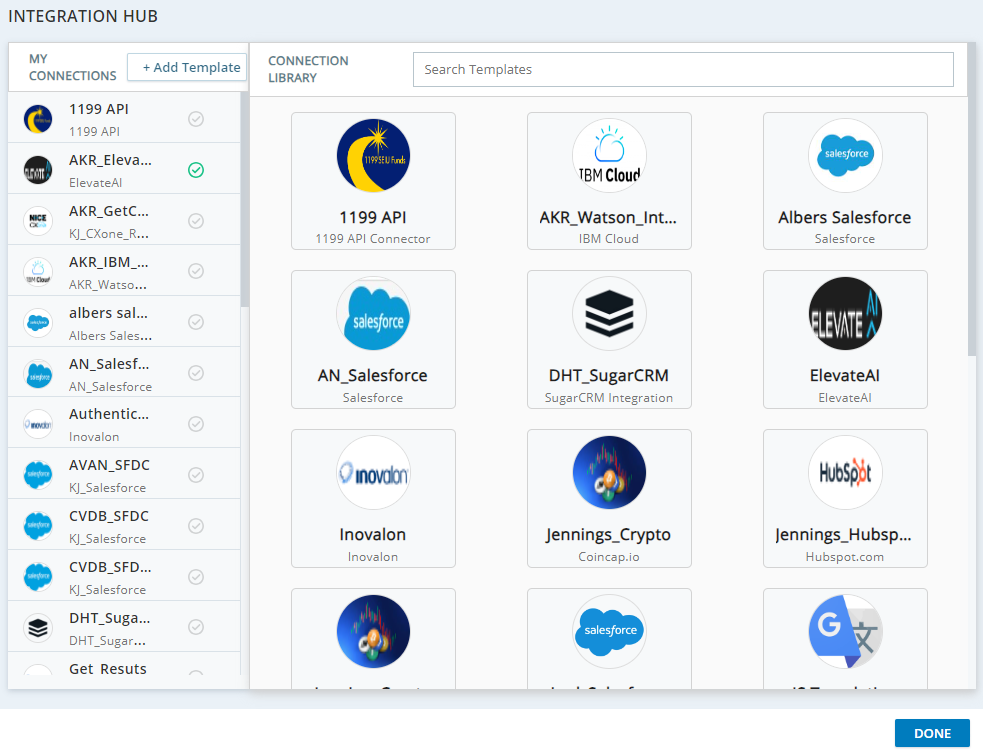
NiCE CXone Integration Hub is built on three main pillars: Templates, Connectors and Requests.
-
Templates define the application, purpose and methods supported around the integration with a third-party web service and can be saved to Integration Hub's connection library. Templates are used to define the integration basics such as the integration method (currently: REST), the type of authentication required (currently: OAuth 2.0 or no authentication), TLS or self-signed mTLS certificates, any custom headers that may be needed and the integration verbs or methods that we might use for that connection.
-
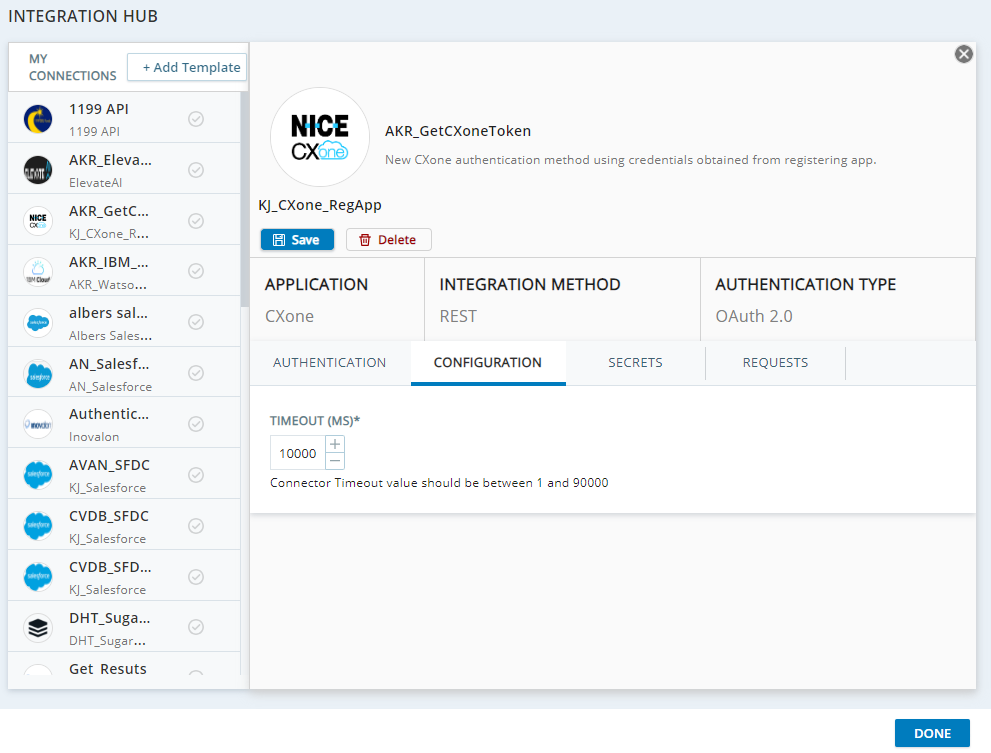
Once you have a connection Template, Integration Hub supports the creation of Connectors, which inherit whatever definitions are established by Templates and contain any secrets required to execute a request as well as the specific details around what requests should do.
-
Within a Connector, you can define Requests, which are constrained by the Connectors in which they live and inherit the authentication, configuration, and secrets enforced by the Connector. Within a request, you’ll define the URL endpoint that you’re calling, the verb that the API request will leverage like GET or PUT, headers associated with the API request like content-type or credentials, and the body of the API request, which typically contains things like the request payload.